
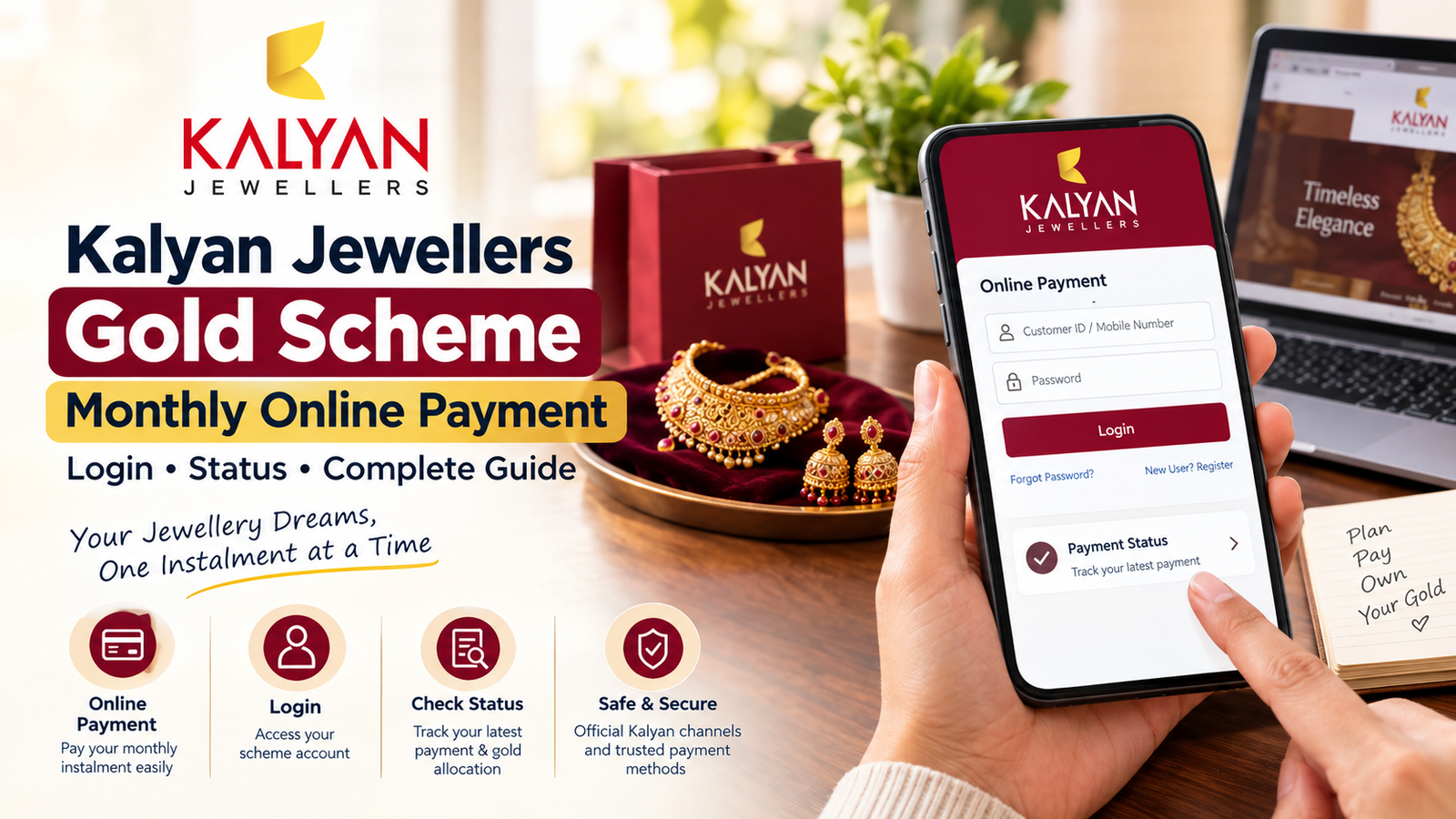
Paying a monthly gold or jewellery instalment should not become a confusing task. If you have already enrolled in a Kalyan Jewellers gold scheme and your next instalment is due, you may be searching for Kalyan Jewellers online payment, Kalyan Jewellers online payment login, or Kalyan Jewellers online payment status.
This guide is written for customers who simply want to understand what to do after joining a monthly jewellery savings scheme.
Kalyan Jewellers has operated monthly purchase schemes such as Dhanvarsha and other purchase-advance programmes. The company has also provided digital payment options for its instalment customers.
Kalyan Jewellers Gold Scheme
| Information | Details |
|---|---|
| Scheme type | Monthly jewellery/gold savings or purchase scheme |
| Monthly payment | Depends on the scheme selected |
| Online payment | Available through authorised payment facilities for eligible schemes |
| Payment status | Should be checked through the applicable customer/payment facility |
| Scheme duration | Depends on the particular scheme |
| Final purchase | Subject to the terms of the scheme |
| Official website | Kalyan Jewellers |
| Customer care | 1800-425-7333 |
The important thing to remember is that Kalyan has offered different schemes over time. Therefore, the rules attached to your particular account are more important than information found on an unrelated website.
What Is the Kalyan Jewellers Monthly Gold Scheme?
The basic idea is quite simple.
Instead of waiting until you have a large amount of money available for a jewellery purchase, you contribute an amount periodically. At the end of the applicable scheme period, the accumulated amount can be used according to the scheme’s conditions.
Kalyan’s own website describes Dhanvarsha as a savings programme where customers make monthly instalments towards the purchase of jewellery.
The company’s published documents also describe purchase-advance schemes such as Kalyan Akshaya, Kalyan Sowbhagya and Kalyan Dhanvarsha. The terms can differ, so customers should not assume that an older scheme’s rules automatically apply to a newer enrolment.
How to Make Kalyan Jewellers Online Payment
If you have already registered for a Kalyan monthly scheme, the online payment process will depend on the payment facility connected with your account.
A practical approach is:
1. Start with the official Kalyan Jewellers website
Do not begin by clicking a random payment link received through WhatsApp or social media.
2. Find the payment option applicable to your scheme
Different schemes and enrolment periods may have different payment arrangements.
3. Enter your customer details
The payment system may ask for information connected with your scheme or customer account.
4. Check the amount before paying
Make sure that the customer information and instalment amount displayed on the screen are correct.
5. Complete the transaction
Use the payment option available on the authorised payment page.
6. Keep the transaction reference
This is especially important if the money leaves your bank account but the scheme does not immediately show the payment.
Kalyan Jewellers Online Payment Login
A lot of customers search Google for:
“www Kalyan Jewellers online payment login”
The safest approach is not to trust a third-party page simply because it contains the words “Kalyan Jewellers.”
Instead, begin from the official Kalyan Jewellers website and follow the payment or customer-service route applicable to your scheme.
The official website is:
Kalyan Jewellers official website
If your particular scheme was given a separate payment facility, use the details provided by Kalyan when you enrolled.
Can I Pay My Kalyan Scheme Instalment Online?
For eligible monthly schemes, Kalyan has supported digital payment methods. For example, the company announced a UPI payment facility for Dhanvarsha Priority customers, alongside other payment methods.
However, don’t assume that every Kalyan scheme uses exactly the same payment page today.
This is one reason it is better to identify your scheme first and then use its authorised payment route.
Kalyan Jewellers Online Payment Status
After paying an instalment, the next question is usually:
“Has my Kalyan Jewellers payment been updated?”
If your scheme provides an online account or payment record, check the latest transaction there.
You should normally keep these details with you:
- Payment date
- Amount paid
- Bank transaction ID
- UPI reference number, if applicable
- Scheme/customer number
- Payment confirmation message or receipt
These details become useful if the payment is deducted from your bank account but the scheme record has not yet changed.
Payment deducted but status not updated
Don’t immediately make another payment.
First check whether the original transaction is:
- Successful
- Pending
- Failed
- Reversed
If your bank shows a successful transaction but the Kalyan account has not been updated, contact Kalyan through its official customer-care channel and provide the transaction reference.
Why Your Payment Status May Take Time to Update
An online payment and the scheme ledger are not necessarily the same thing.
The bank or payment gateway may confirm the transaction first, while the scheme account may be updated afterwards.
So, if you have received a successful payment confirmation, save it rather than immediately paying again.
If the status remains unchanged for an unusually long period, contact customer support.
What If You Miss the Monthly Payment?
This is something customers should check in their own scheme documents.
There is no single rule that should be applied to every Kalyan scheme because Kalyan has operated different purchase-advance programmes.
The company’s published documents explain that its purchase-advance schemes have specific conditions relating to instalments and jewellery purchases.
So, if you have missed an instalment, ask Kalyan or your enrolled showroom what applies to your account before making assumptions about maturity benefits or other conditions.
Can I Pay at a Kalyan Jewellers Showroom?
Depending on the scheme, showroom payment may also be available.
If you are having difficulty finding your online payment facility, your Kalyan showroom can help identify the scheme and explain the applicable payment procedure.
This can be particularly useful when your old scheme details are not showing online.
Don’t Use Random Kalyan Payment Links
This deserves special attention.
Kalyan Jewellers currently displays a fraud warning on its website concerning messages and websites pretending to be associated with Kalyan Gold Store. The company specifically says that the listed domains are not part of Kalyan Jewellers India Limited.
So if someone sends you a message saying:
“Your Kalyan gold scheme payment is pending. Pay now using this link.”
don’t rush to pay.
Instead:
- Open the official Kalyan website yourself.
- Check the payment facility from there.
- Or contact Kalyan customer care.
- Never share your OTP with another person.
- Keep your payment receipt.
Kalyan Jewellers Customer Care
If you cannot find your online payment option, your payment is stuck, or the transaction has been deducted but is not reflected, you can contact Kalyan Jewellers directly.
Customer Care: 1800-4257333
Email: customercare@kalyanjewellers.net
These details are currently published on Kalyan Jewellers’ official contact page.
Kalyan Jewellers Customer Care
A Simple Example
Suppose you have a monthly jewellery scheme and normally pay your instalment through an online facility.
You make the payment on the due date and your bank immediately sends a message saying that the amount has been debited.
But when you check your scheme account, the new payment is not visible yet.
In that situation, don’t pay twice.
First save the bank reference number and payment confirmation. Then check the payment status again. If it still has not been credited, contact Kalyan and give them the transaction details.
That small step can prevent a lot of unnecessary confusion.
Frequently Asked Questions
Use the authorized online payment facility connected with your particular Kalyan scheme. Start from Kalyan Jewellers official website if you are unsure where to make the payment.
The login/payment facility can depend on the scheme and account. Avoid using an unverified website just because it appears in search results. Start from the official Kalyan Jewellers website.
Use the payment or customer facility applicable to your scheme. If the payment is not visible after a successful bank transaction, keep the transaction ID and contact Kalyan customer care.
First check the transaction status with your bank or UPI app. If it shows successful, keep the reference number and contact Kalyan rather than making another payment immediately.
Kalyan has previously provided UPI payment facilities for Dhanvarsha Priority customers. Whether UPI is available for your particular scheme should be confirmed through the authorised payment facility.
No. A monthly jewellery purchase scheme and digital gold are different products. Kalyan has also offered a separate digital-gold product, so customers should not mix the two when looking for payment or account information.
Contact the Kalyan showroom where you enrolled or use Kalyan’s official customer-care channels. Keep your enrolment/customer details available so the staff can locate the correct account.
Final Word
If you are searching for Kalyan Jewellers gold scheme monthly online payment, the main thing is to identify the exact scheme you joined first. The payment process, account facility and applicable conditions can vary.
For online payments, always use an authorised Kalyan payment route, save the transaction reference after every instalment and check the payment record if you need confirmation.
Most importantly, don’t trust a payment link simply because it uses the Kalyan name. Kalyan itself has published a warning about fraudulent websites and messages, so checking the source before entering payment information is worth the extra minute.